Distribute the operating costs of a rental property across the units on a period basis and settle advance-payment balances.
-
1
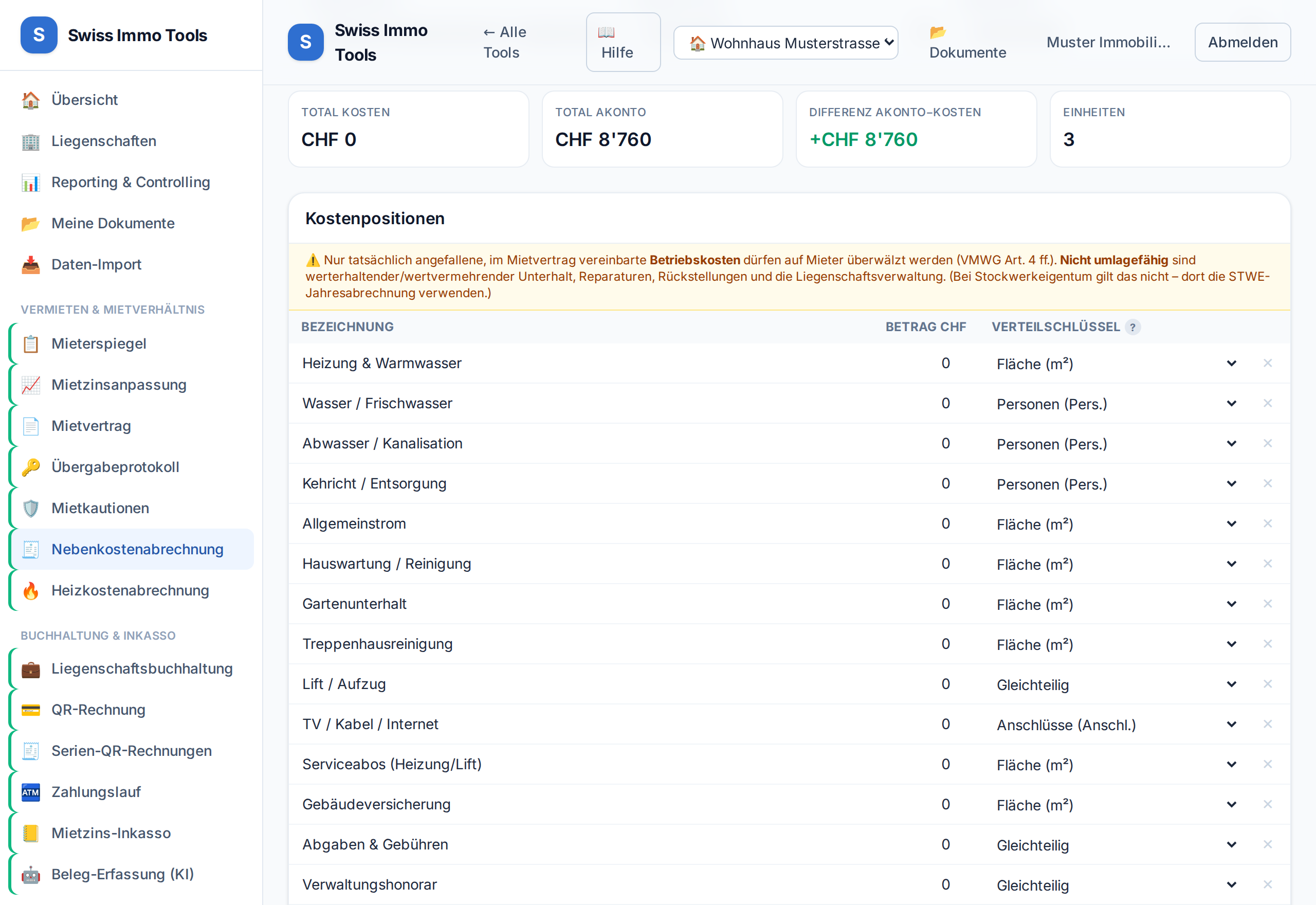
Open the Utility cost statement tool and import the property. Units, quantities and advance payments are pre-filled; suitable standard cost types including allocation key are suggested. If you settle many properties, open them in one go with ↻ Open settlement for all …: for each property the run copies last year's structure — cost types with their allocation key and units with their measures. Amounts, advance payments and days stay empty, because they belong to this period. Existing settlements stay untouched.
-
2
Enter cost positions or import the booked operating costs with 📥 Costs from accounting.
-
3
Per position, choose the allocation key (area, persons, connections, equal shares …). Wastewater/refuse are usually distributed by persons.💡 Consumption-based heating/hot-water costs run through the separate heating cost statement (VEWA).
-
4
On a tenant change, “Fill days from the tenancy records” completes the occupied days itself — and reports overlaps or a total that does not match the period. If you settle several properties, use “For all properties …” next to it: the run first shows what would change and only writes on confirmation.
-
5
Generate a PDF per unit and optionally import the balances into accounting.
-
6
After 💼 To accounting, the Accounting block below the units shows for each tenant whether they still owe or have a credit — Record payment posts the receipt to their account. Once all balances are paid, Close statement; the start page then counts it as closed.
Tool from launch: → Utility cost statement
Related: Allocation keys · Heating cost statement (VEWA)