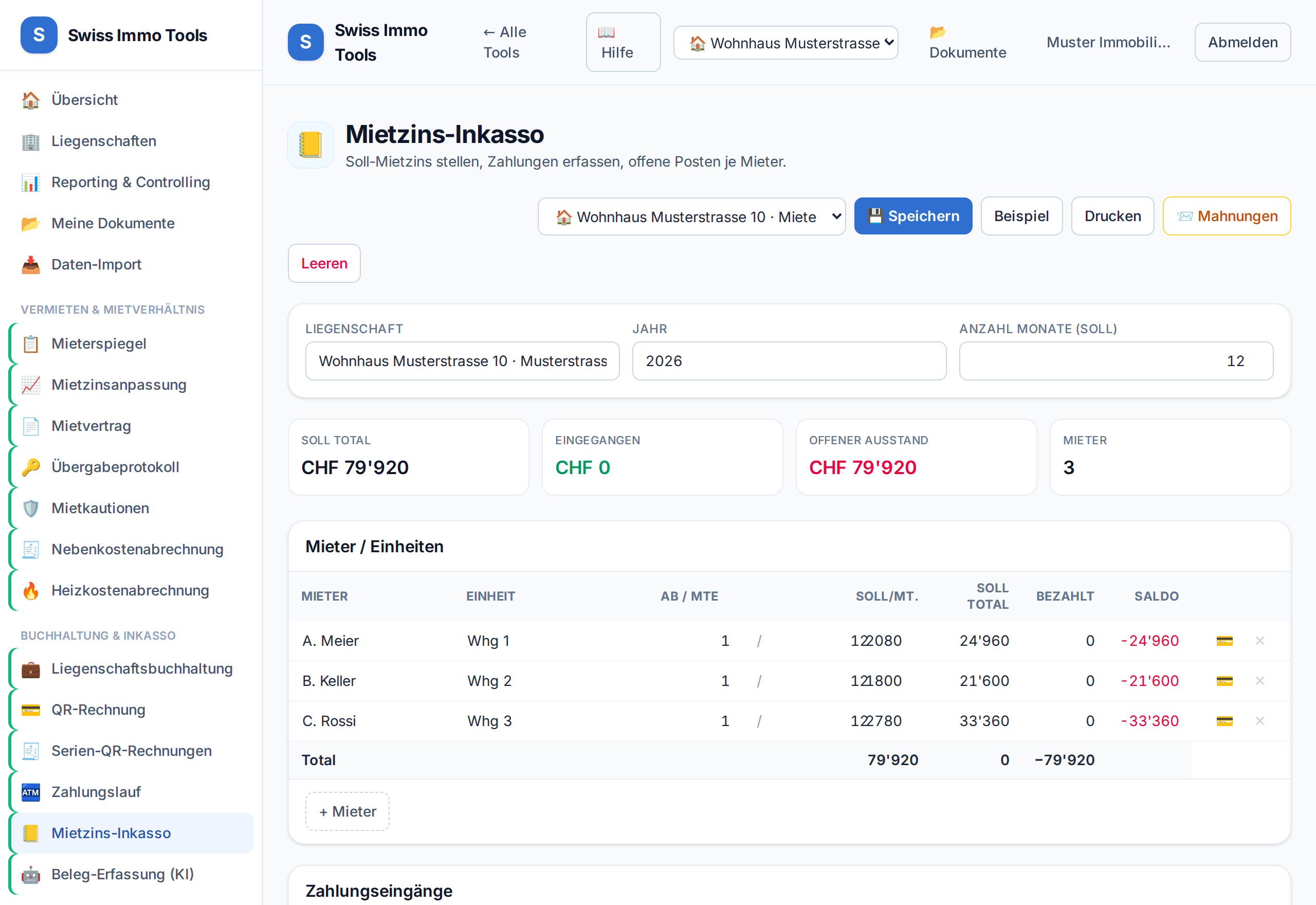
Charge rents due per tenant over the year, record incoming payments and track open items.
-
1
Open the Collection journal tool and import the property.
-
2
Per tenant, enter rent due and period. On a tenant change it is enough to enter the start and end date; the statement derives the days from them. Below the name, pick the tenancy — without it the charge and the payment go to the collective account, and the overview shows a name with no way to the person.💡 This way the rent due is charged correctly pro rata – no double posting on a change mid-year.
-
3
Record incoming payments; open amounts appear in reporting as receivables.
-
4
With Import into accounting, the charges are posted.
-
5
Dunning in one run: in the dunning result list you can tick several rows and create all reminders at once. Only rows with exactly one debtor are selectable — with several, the recipient cannot be derived and the row stays individual.
Tool from launch: → Collection journal