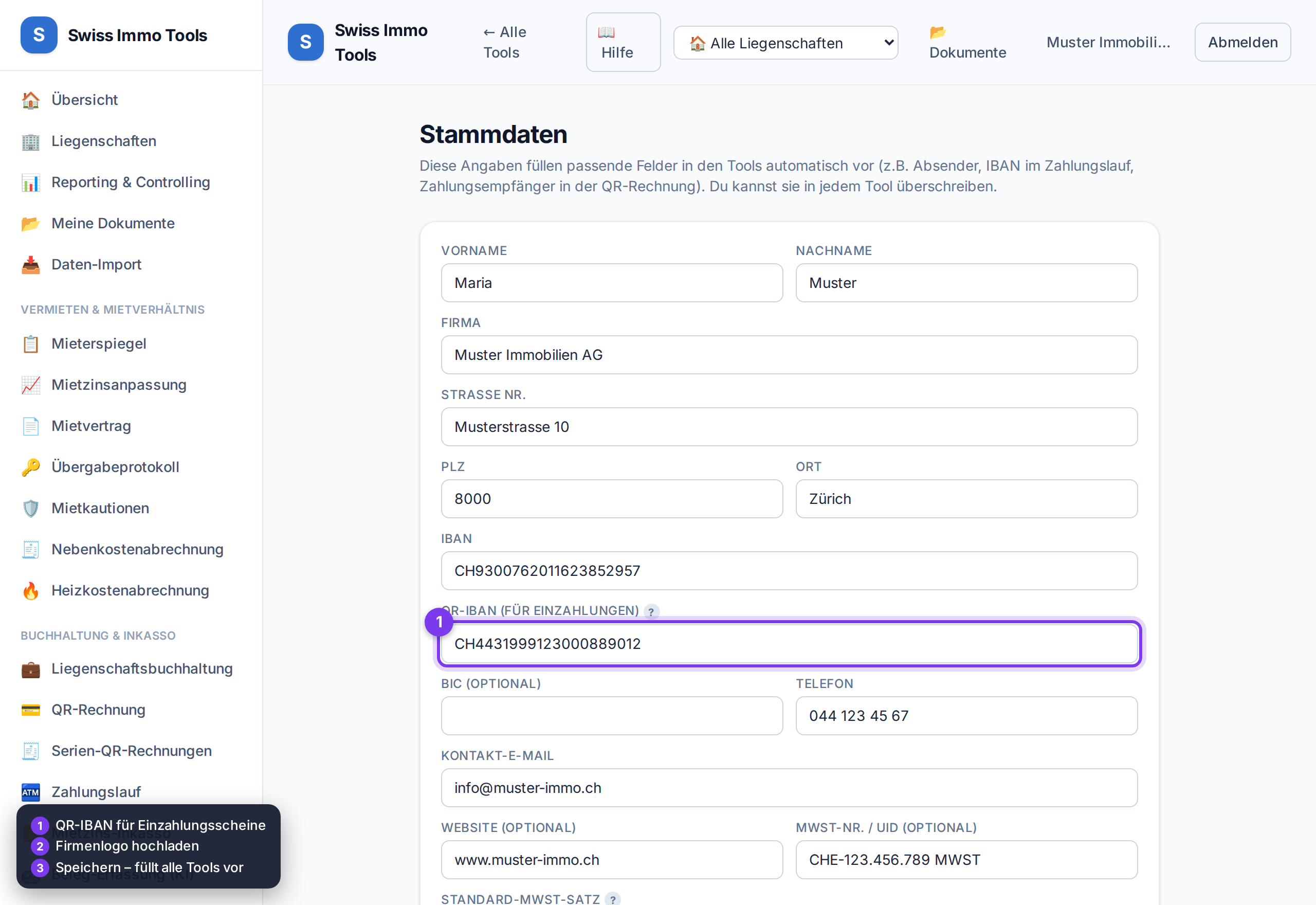
Your company/sender details. They are pre-filled everywhere – e.g. as payee in the QR invoice or sender on statements.
-
1
In the side menu open 🪪 Master data.
-
2
Enter company/name, address, IBAN and QR-IBAN. The QR-IBAN is required for payment slips.💡 QR-IBAN ≠ regular IBAN. After the bank identifier it starts with your bank's QR identifier – it's on your bank contract.
-
3
Optionally add VAT no., default VAT rate and a slogan.
-
4
Upload the company logo – it appears in the sidebar and on your PDF documents.
-
5
Click Save master data – done. In the tools you can override each field as needed.
Tool from launch: → Edit master data
Related: QR invoice (Swiss QR-bill) · Account & account type