Distribute heating and hot-water costs by consumption: base costs by area or volume, consumption costs by metering.
-
1
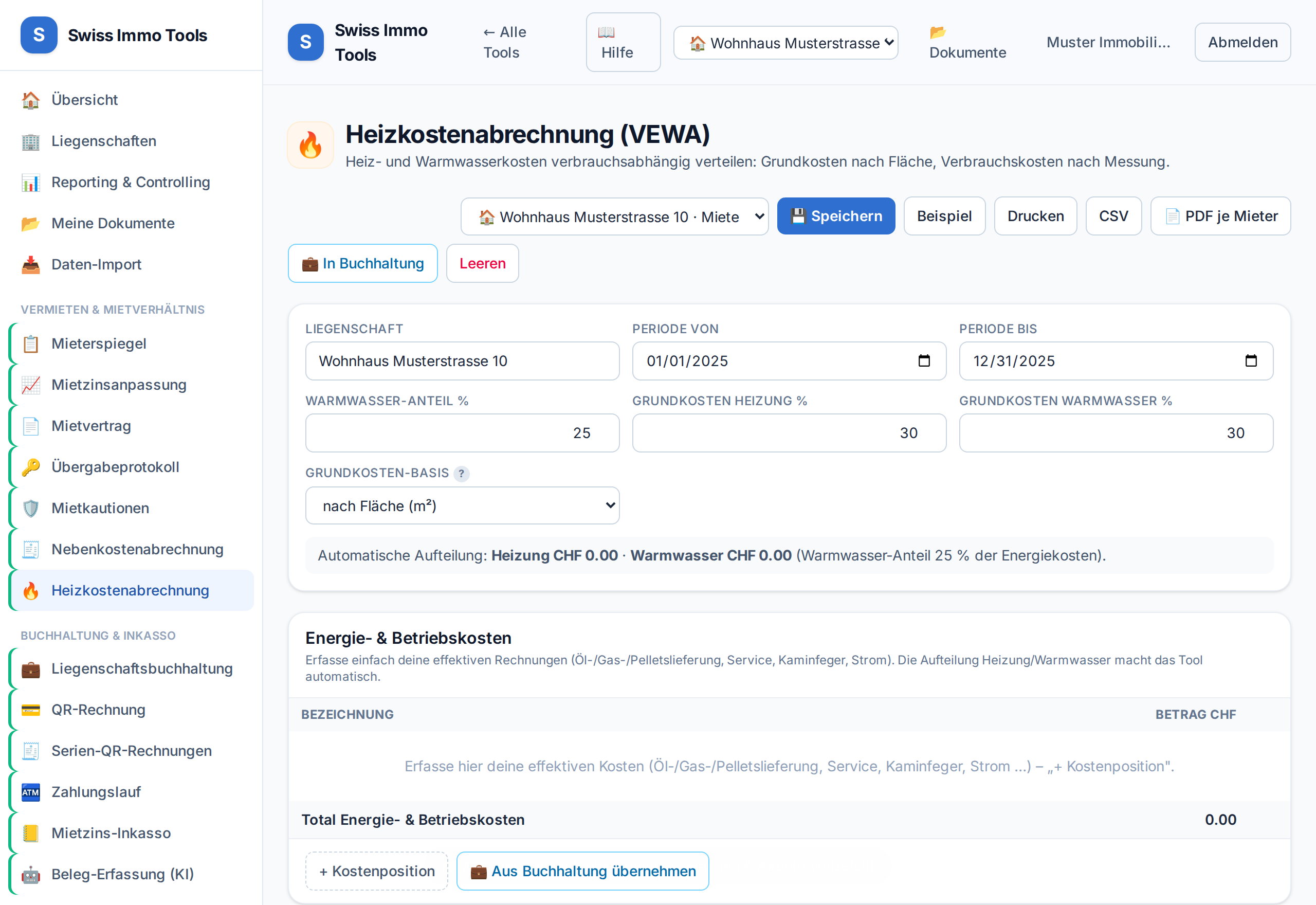
Open the Heating cost statement tool and import the property.
-
2
Enter energy costs (oil/gas/pellet delivery, service, electricity) or fetch them from accounting.
-
3
Set the hot-water share and the base-cost shares (% per VEWA, usually 30–50%).
-
4
Choose the base-cost basis: by area (m²) or volume (m³). The volume is pre-filled from the master data.💡 Enter the consumption values (heating/hot water) per unit from the meters – only these you need to record per period.
-
5
Generate a PDF per unit; optionally book the balances.
-
6
Cross-check against real weather: below the weighting choice you can select a measuring station. The difference between the measured year and the table then appears beside it. The distribution does not change — it is a check, not a calculation.
Tool from launch: → Heating cost statement
Related: Allocation keys · Utility cost statement